After logging in to DoxAI, the user can choose between their personal account or organisational account.
(Refer to “eSignature General: Account Types”)
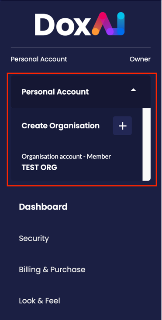
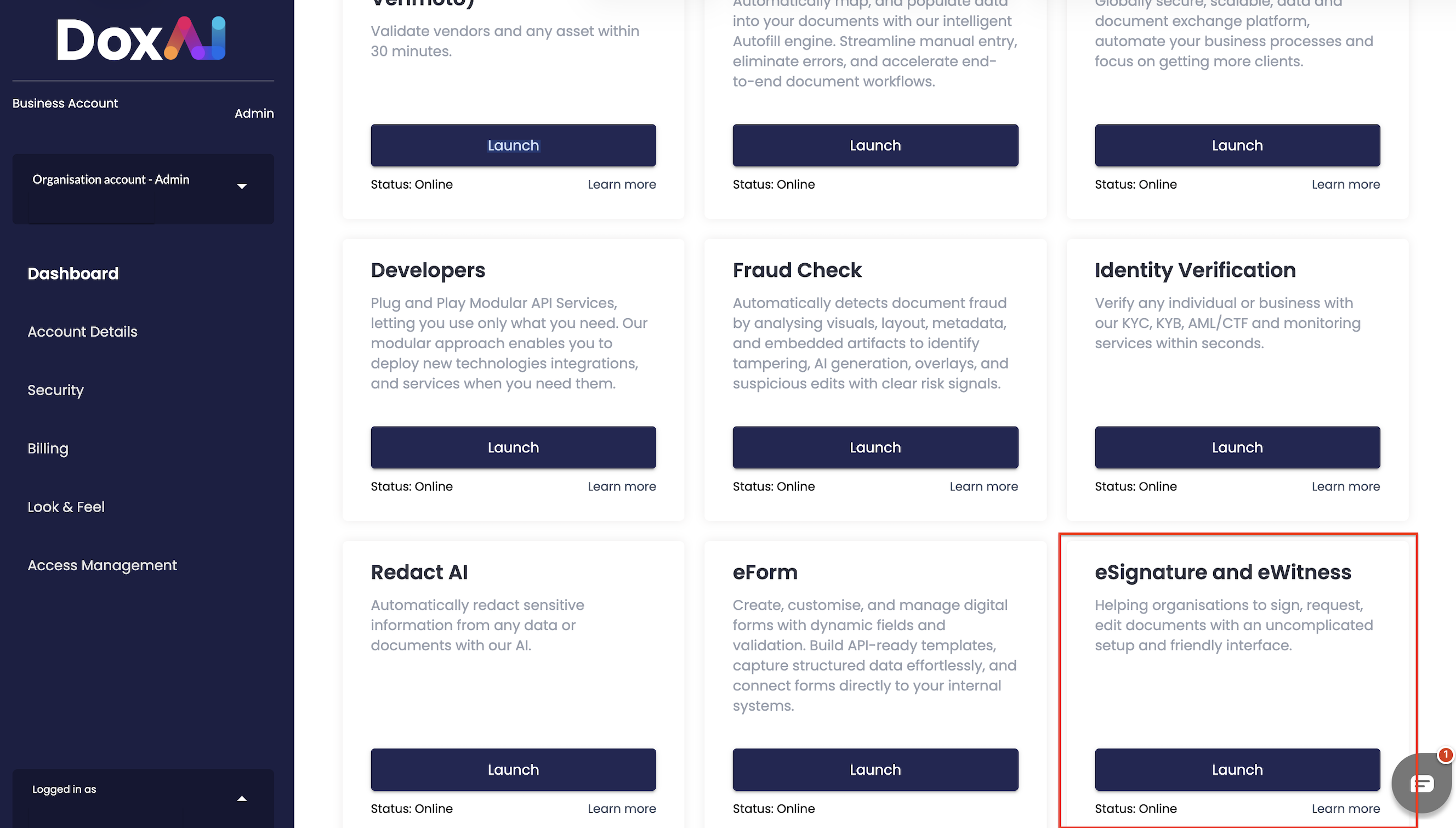
After selecting the type of account, the user can launch eSignature by clicking on the “Launch” button. This will automatically redirect to a new screen.
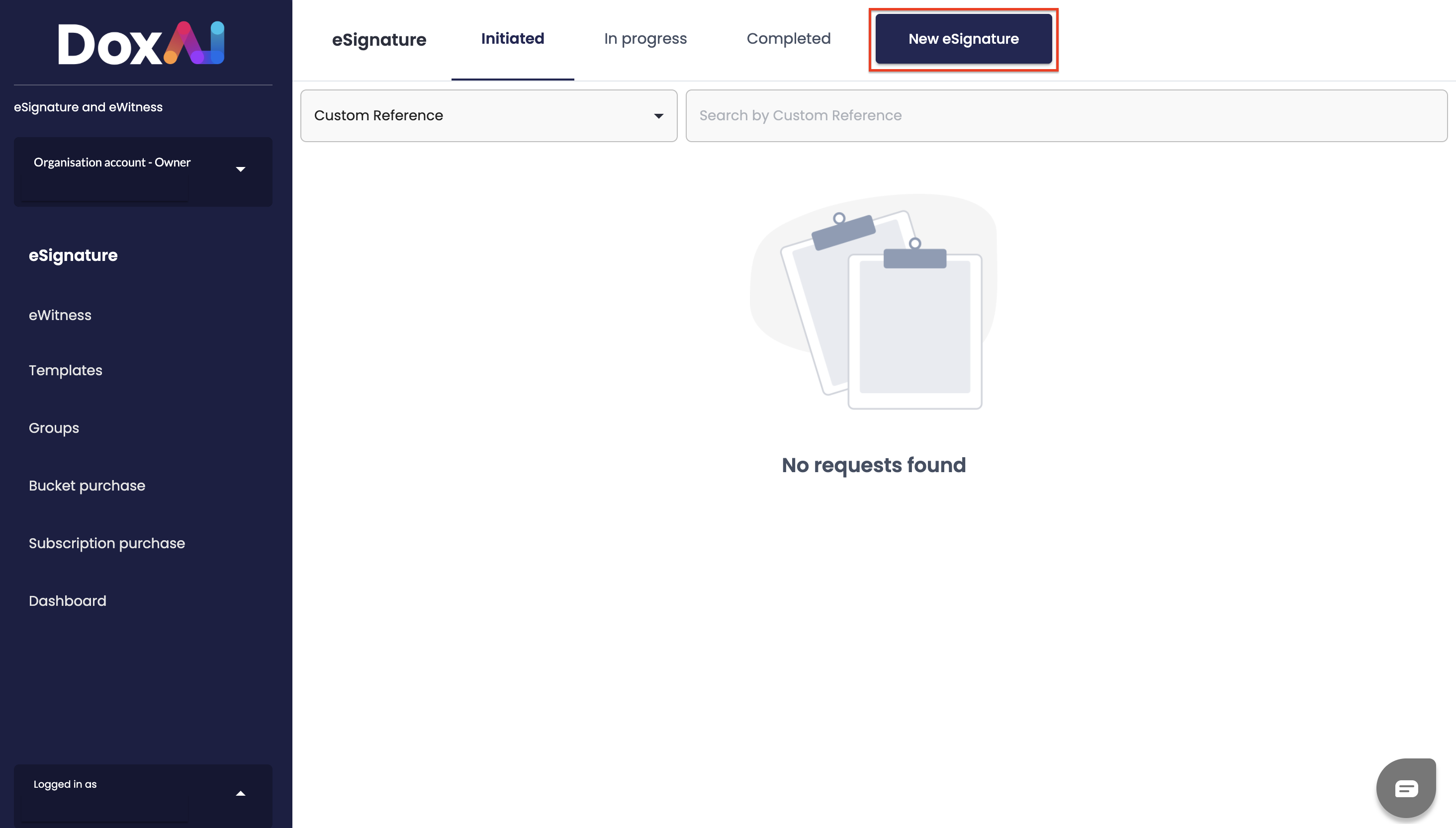
From the eSignature dashboard, the user can initiate a new eSignature request by clicking on “New E-Signature” and the user will be redirected to a new screen to start creating a new eSignature.
Was this article helpful?
That’s Great!
Thank you for your feedback
Sorry! We couldn't be helpful
Thank you for your feedback
Feedback sent
We appreciate your effort and will try to fix the article