The user can access DoxAI website at https://doxai.co/ and selects the “Sign-up” option to initiate the account registration process.

Upon clicking “Sign-up” the site will be re-directed to https://accounts.doxai.co/sign-up
Supports SSO login:
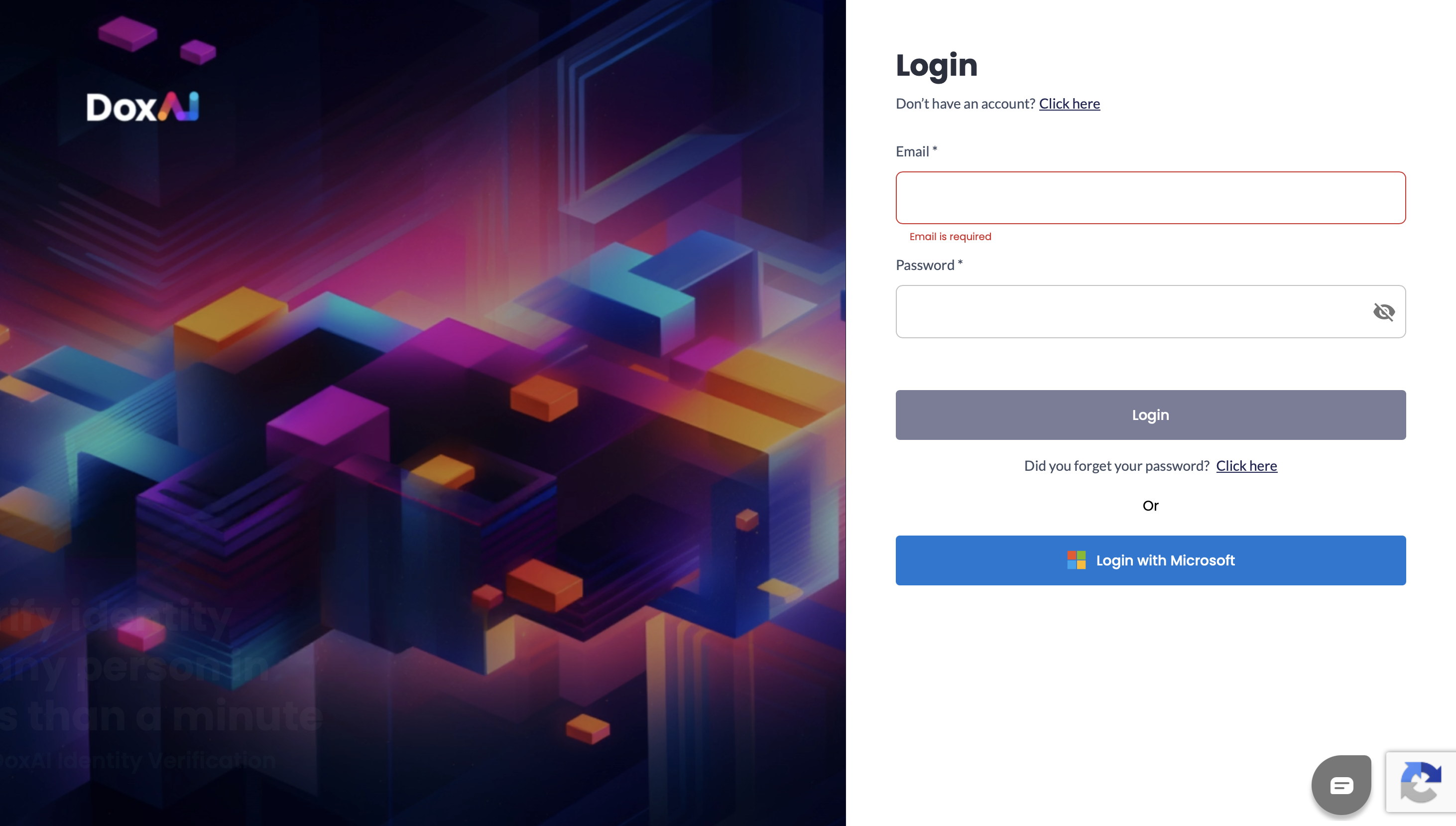
The user will need to fill the following information and click on “Sign up”:
First name
Last name
Email
Password

After this the user will be re-directed to the below screen, notifying to verify the account via above mentioned Email.
If the user hasn’t received an email, they can click on “Resend” to receive it.

The user can verify their account by clicking on the 'Click here to verify your email' link in their inbox. 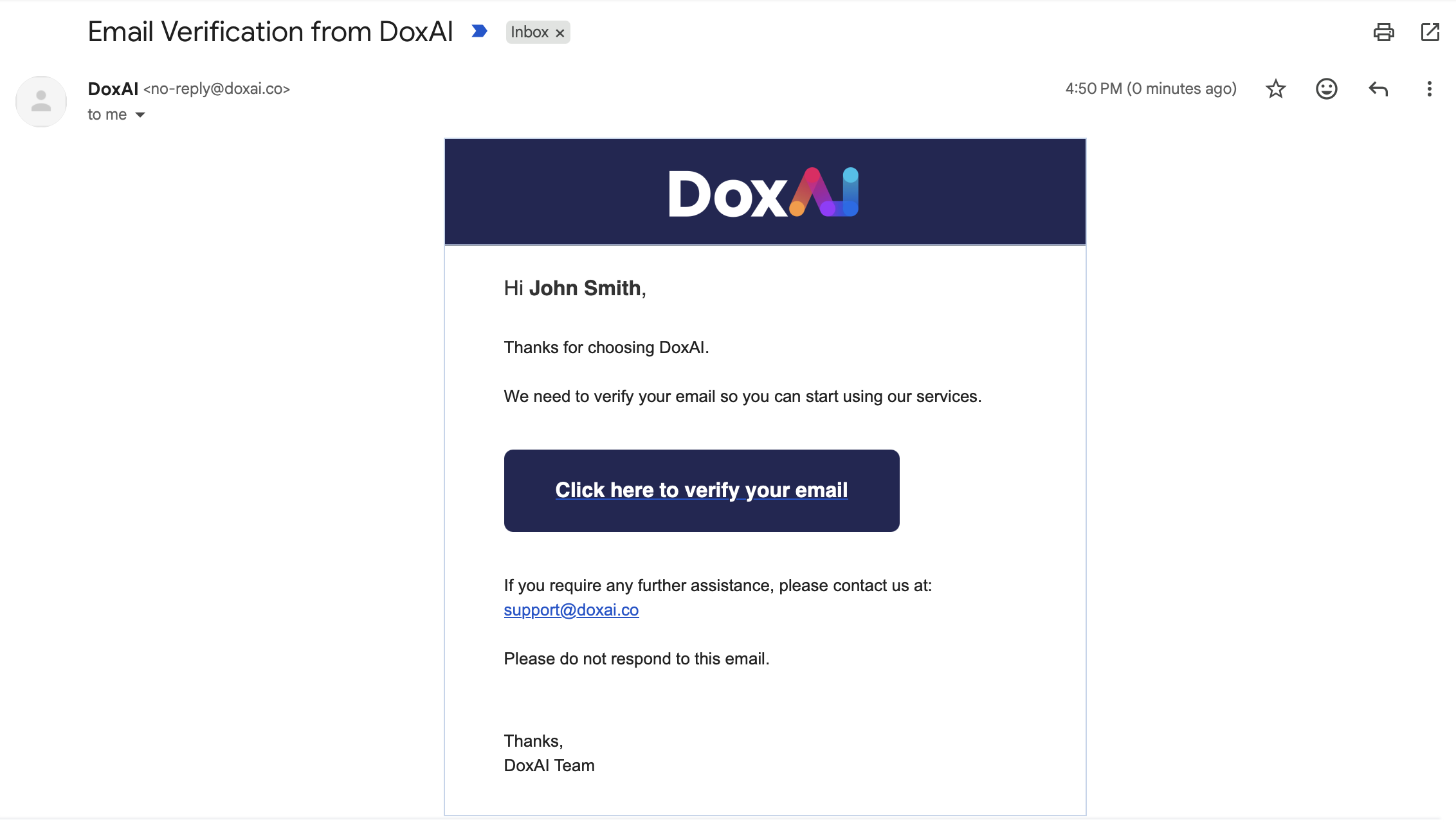
Upon clicking the button, the user will re-directed to the below screen.

The user can click on “Go to Login” button or via this link https://accounts.doxai.co/login
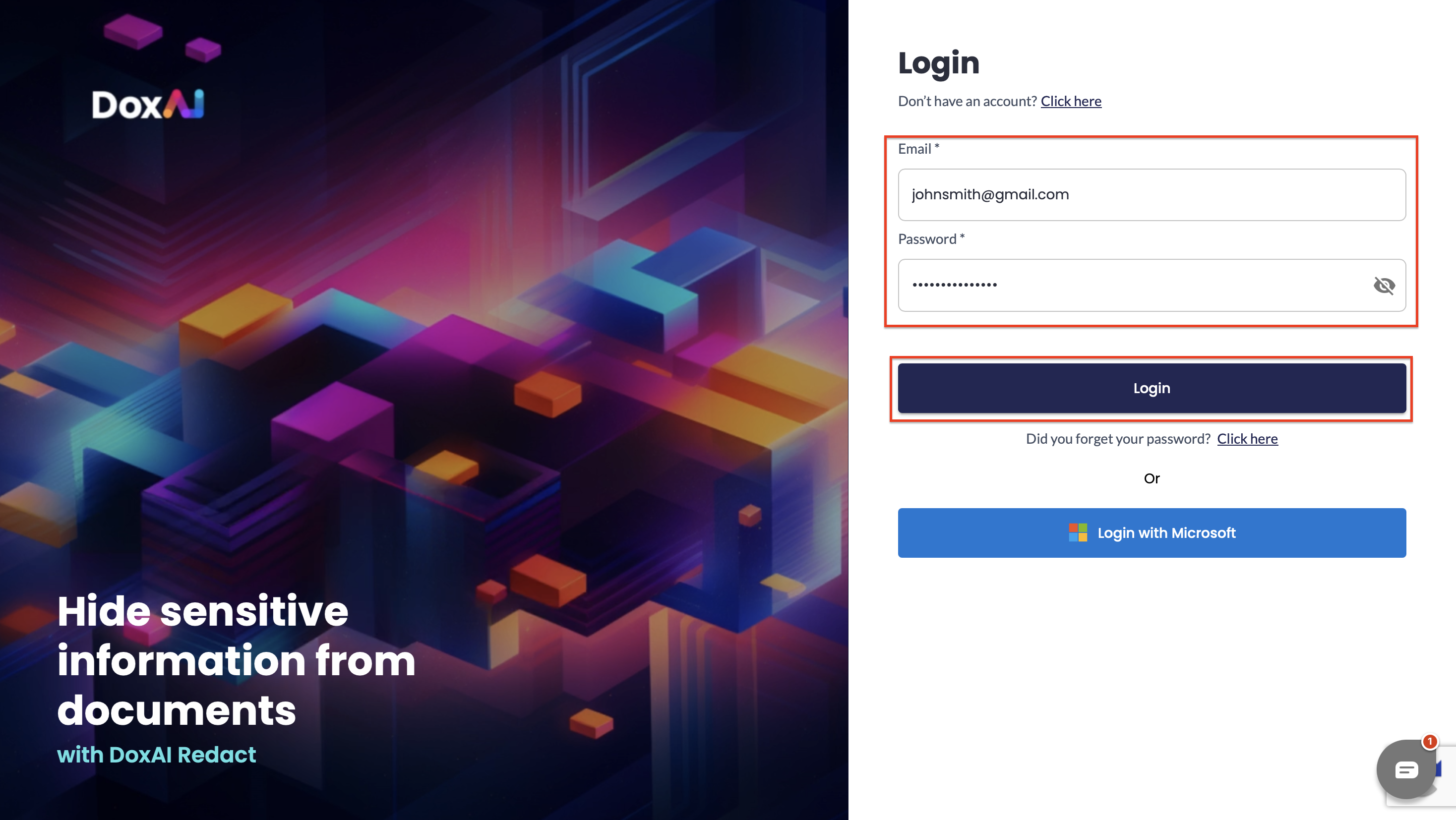
This will redirect the user to the login page.
Was this article helpful?
That’s Great!
Thank you for your feedback
Sorry! We couldn't be helpful
Thank you for your feedback
Feedback sent
We appreciate your effort and will try to fix the article