Publishing makes the form available for distribution.
Publish the Form
- Open the Preview tab.
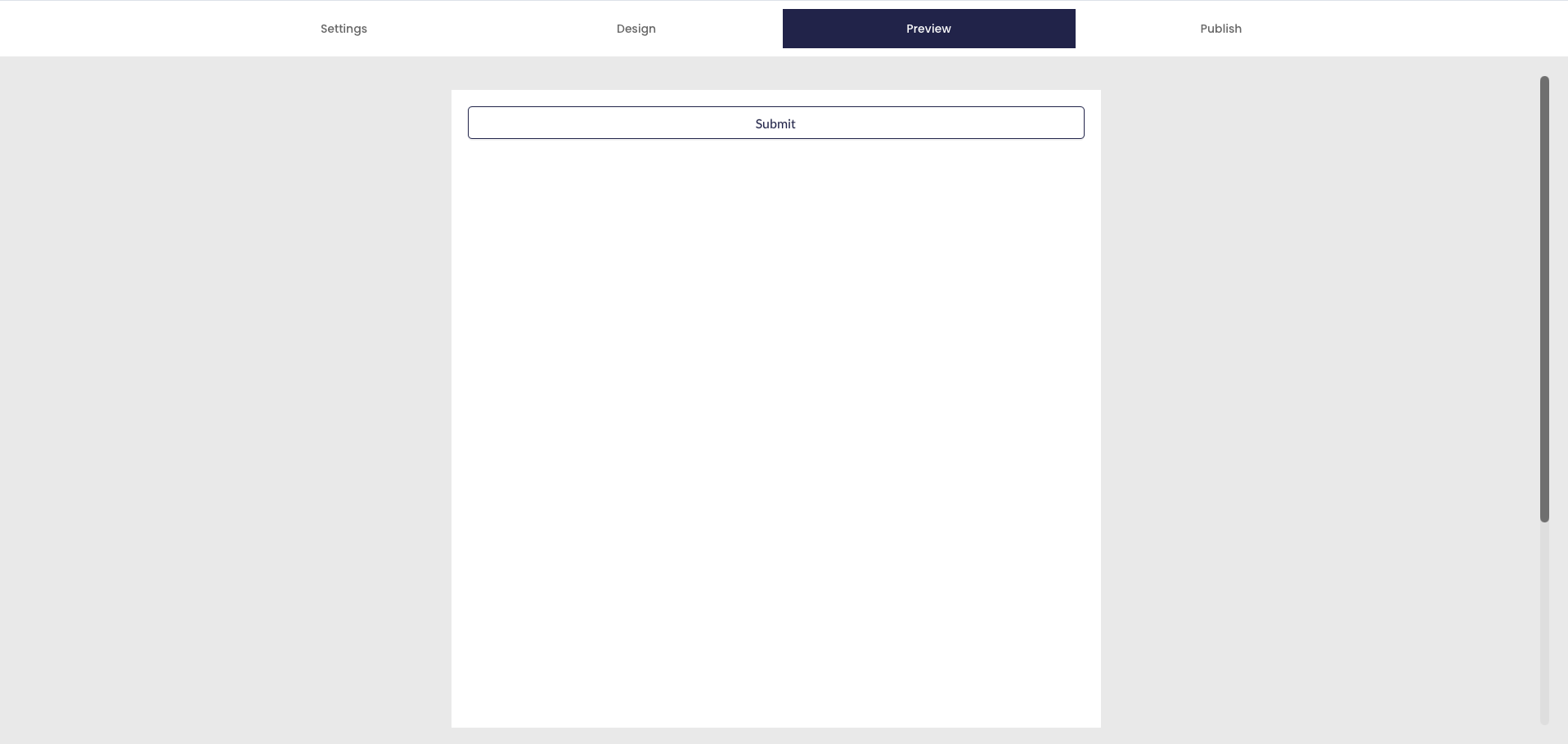
- Review the form details.
- Click Publish.
Once published, the form can be shared using the Request page.
Was this article helpful?
That’s Great!
Thank you for your feedback
Sorry! We couldn't be helpful
Thank you for your feedback
Feedback sent
We appreciate your effort and will try to fix the article