The Design page is where form fields and components are added.
Designing the Form
- Open the Design tab.
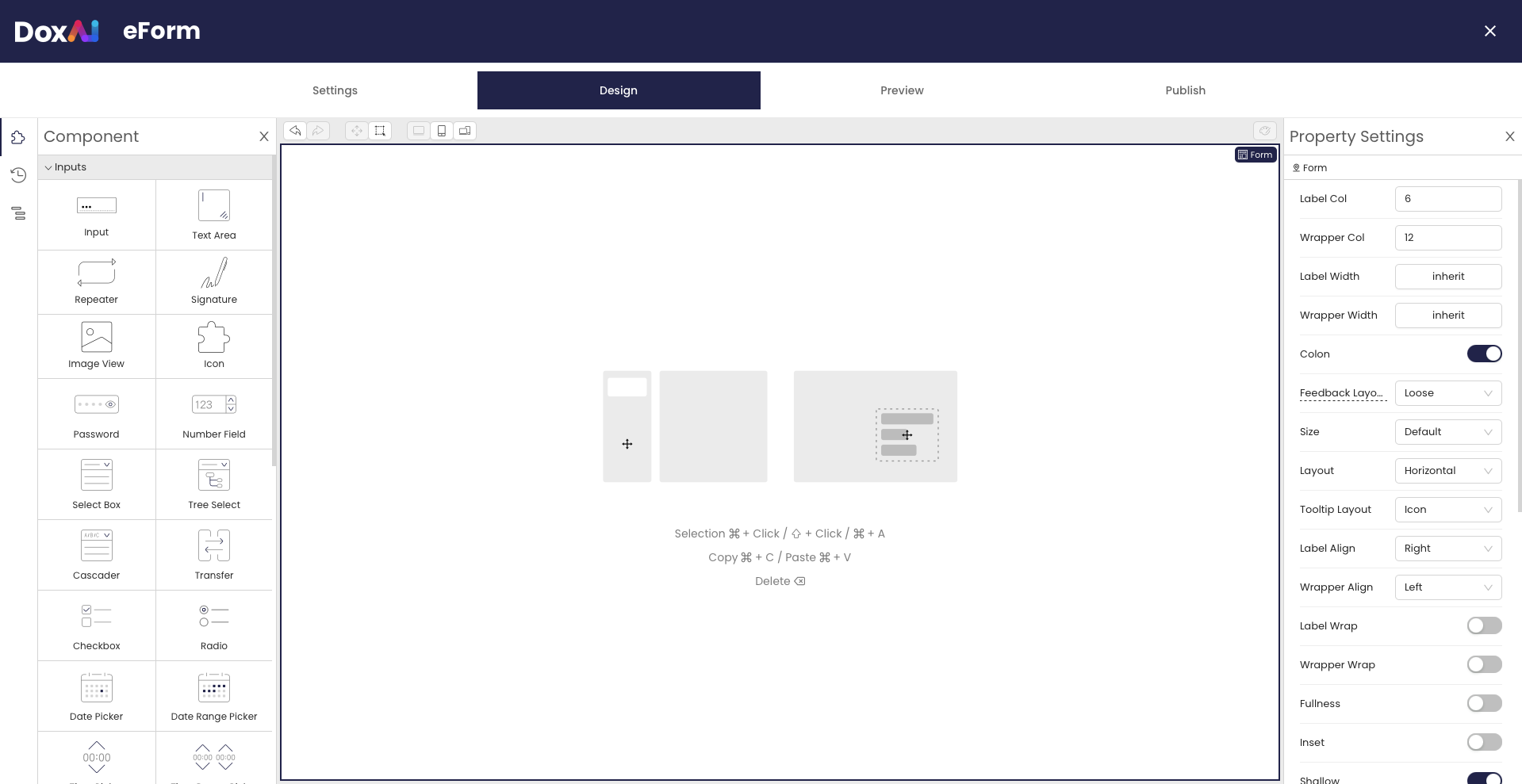
- Drag components from the left panel onto the form.
- Configure each component using the Property Settings panel.
- Repeat until the form is complete.
- Save your changes.
Was this article helpful?
That’s Great!
Thank you for your feedback
Sorry! We couldn't be helpful
Thank you for your feedback
Feedback sent
We appreciate your effort and will try to fix the article