Once your template has been created and all fields have been mapped, you can use the Autofill API to generate completed PDF documents.
Before You Begin
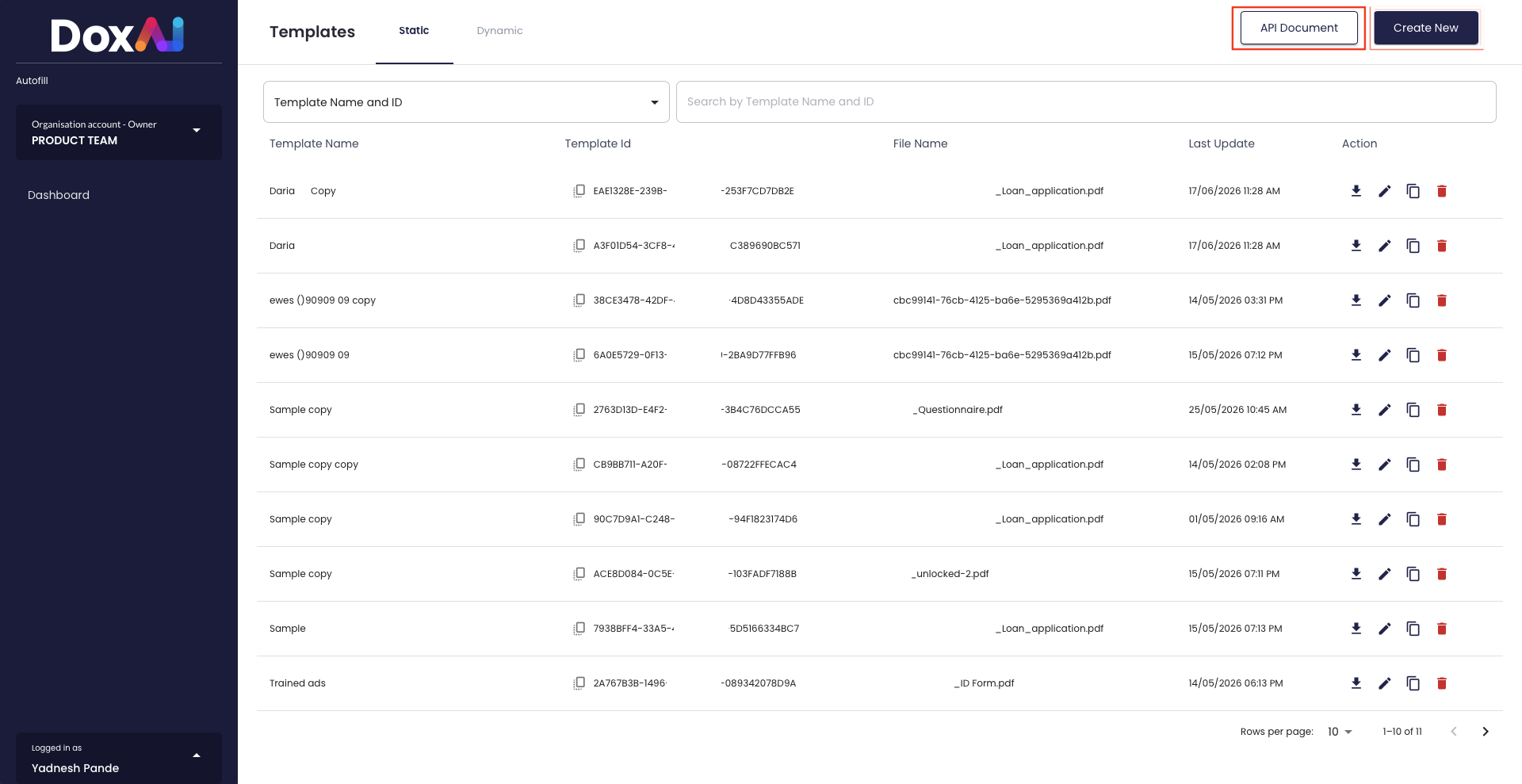
- Open API Document from the Autofill Templates page.
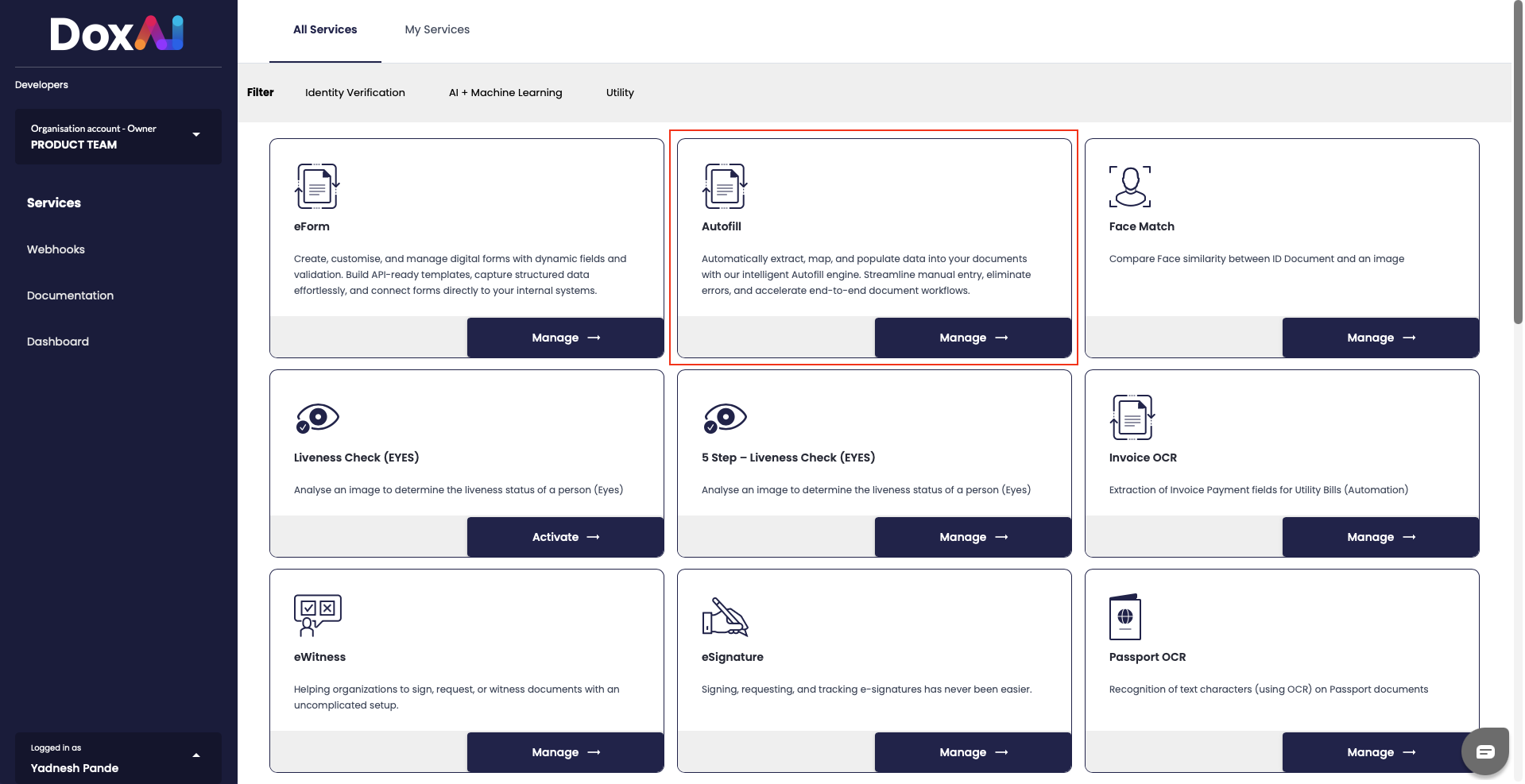
- Navigate to Autofill to obtain your Access Key and Secret Key.
- Use these credentials to authenticate your API requests.
API Resources
Refer to the following resources for endpoint details, request formats, authentication, and examples:
- API Swagger: https://api.doxai.co/docs/
- API Documentation: https://api.doxai.co/info/#api-documentation
Use your saved Template ID together with your JSON payload when calling the Autofill API to generate populated PDF documents.
Was this article helpful?
That’s Great!
Thank you for your feedback
Sorry! We couldn't be helpful
Thank you for your feedback
Feedback sent
We appreciate your effort and will try to fix the article